
Cloud QR
QR codes in the classroom
Ideas how to use QR codes in the classroom.


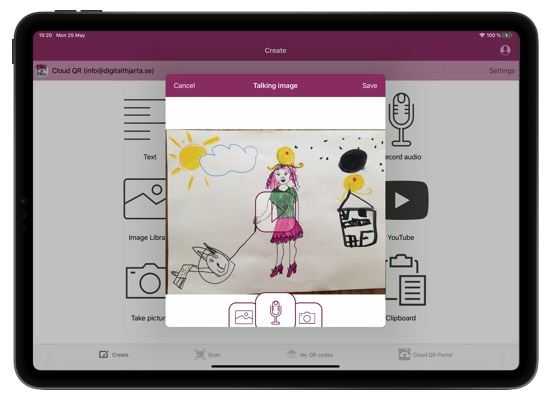
Living portfolio
Put QR codes on children's drawings where they talk about their work. Or maybe record a video of how they made it. This way it is easier for other to understand what it is about and remember later.
How to do it:
- Open Cloud QR Generator and choose Talking image or Record audio.
- Record when the child is talking about the drawing.
- Take a picture of the drawing (if using Talking image).
- Press Save to upload the audio and picture to the cloud.
- Press Share, Print and place the QR code on the drawing.